
Digital signage looks simple from the outside. You install a screen, play some content, and expect results. But in real life, it does not always work that way. I have personally seen many businesses spend good money on digital signage and then feel disappointed because it did not bring attention, leads, or sales.
Most of the time, the problem is not the screen itself. The problem is common digital signage mistakes that people do not realize they are making. This guide is written from real, practical experience and answers the same questions people usually ask when they are confused about why their digital signage is not working.
Everything here is written in easy, natural English so anyone can understand it.
Mistake 1: Choosing the Wrong Screen Size
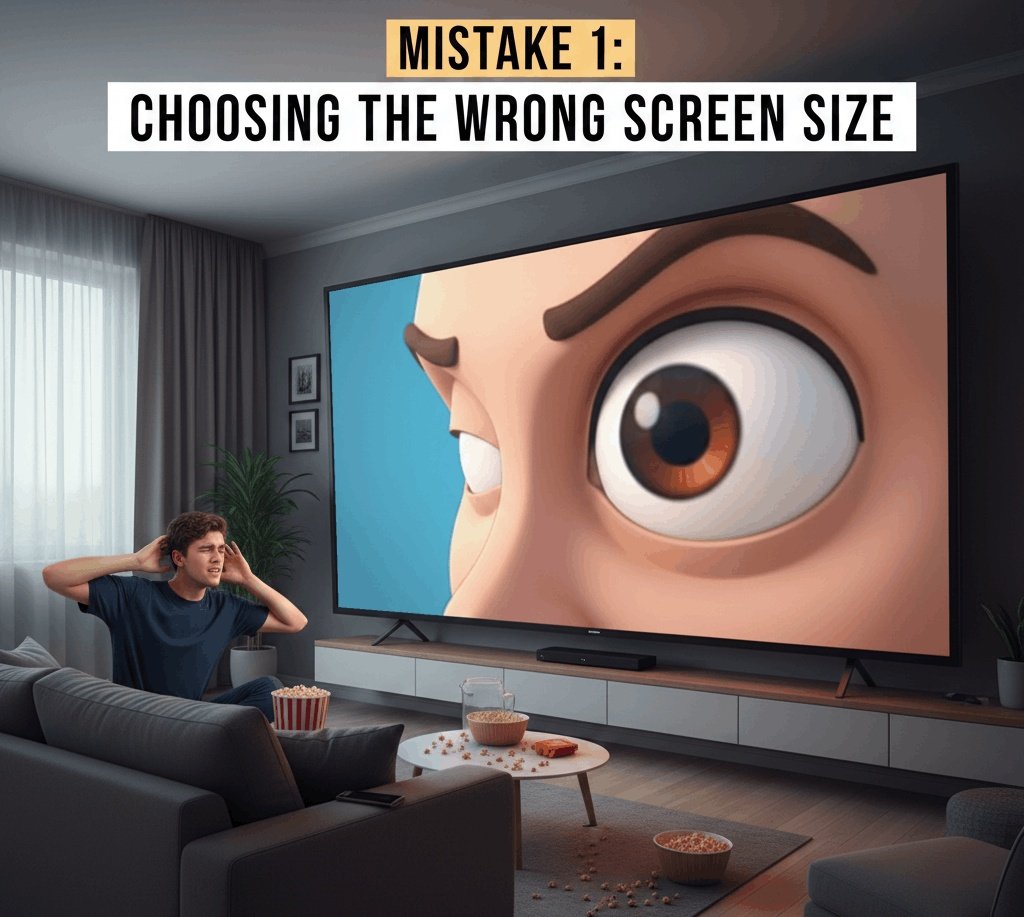
One of the biggest mistakes I have seen is choosing a screen that is too small or too big for the space.
I once worked with a small retail store that installed a huge LED screen inside a narrow shop. Instead of looking premium, it looked overwhelming. Customers could not focus on the products anymore.
On the other hand, I have also seen large halls using very small screens where people could not read anything unless they stood very close.
What to Do Instead:
- Measure the space properly
- Consider viewing distance
- Match screen size with room size
The right screen size makes content easy to see and comfortable for the eyes.
Mistake 2: Ignoring Viewing Distance
Many people choose screens without thinking about how far viewers will stand.
I remember an office lobby where they installed a high screen, but the text was very small. People walking past could not read anything because the screen was placed too far away.
Why This Matters:
- Close viewing needs high resolution
- Far viewing needs larger text and visuals
If people cannot read your message in 3–5 seconds, the signage has failed.
Mistake 3: Poor Content Design
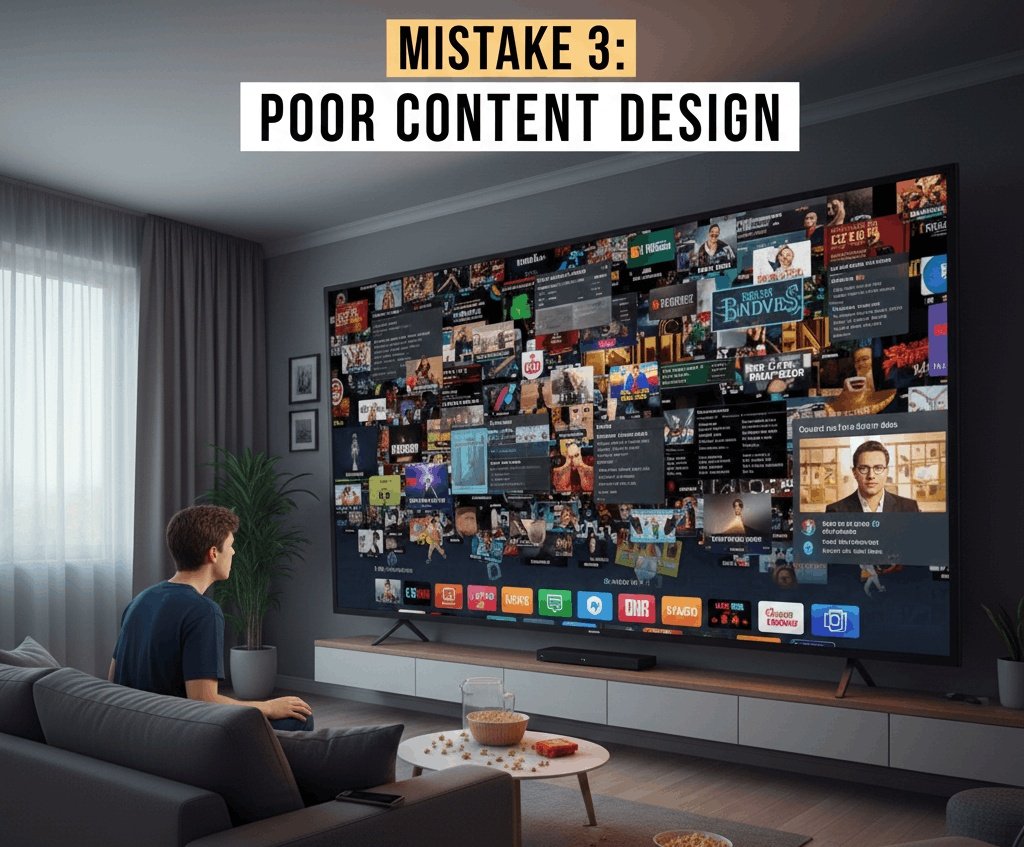
This is the most common mistake of all.
I have seen screens filled with:
- Too much text
- Multiple fonts
- Too many colors
- Low-quality images
Digital signage is not a website or brochure. People do not stand and read everything.
Better Approach:
- Short messages
- Large fonts
- Clear contrast
- One main idea per screen
Good design always beats fancy design.
Mistake 4: Using Low-Quality Images and Videos
Low-quality visuals kill trust.
I once saw a restaurant using blurry food images on their digital menu. Instead of making people hungry, it made the food look cheap.
Always Remember:
- Use high-resolution images
- Match content resolution with screen resolution
- Avoid stretched or pixelated visuals
High-quality visuals instantly improve brand image.
Mistake 5: Wrong Brightness Level
Brightness is often ignored, especially indoors.
I have seen indoor screens so bright that they hurt the eyes, and others so dim that content was barely visible.
Correct Balance:
- Indoor screens need moderate brightness
- Outdoor screens need very high brightness
- Adjust brightness based on lighting conditions
For best results, indoor LED screens for display should be comfortable to look at for long periods.
Mistake 6: No Clear Goal for the Signage
Many businesses install digital signage just because others are doing it.
When I asked one client what they wanted from their signage, they said, “Just branding.” That is not a clear goal.
You Must Decide:
- Do you want more sales?
- More foot traffic?
- Information display?
- Brand awareness?
Clear goals lead to better content and better results.
Mistake 7: Updating Content Too Rarely
Old content makes screens invisible.
I have seen the same promotion playing for months. After a few days, people stop noticing it.
Best Practice:
- Update content weekly or monthly
- Change visuals with seasons or offers
- Keep information fresh
Fresh content keeps attention alive.
Mistake 8: Bad Placement of Screens
Placement can make or break digital signage.
I once saw a screen placed behind a pillar. Another was placed too high, so people had to tilt their heads.
Ideal Placement Tips:
- At eye level
- No obstacles in front
- Facing the main walking direction
Good placement ensures your message is actually seen.
Mistake 9: Not Testing Before Final Installation
Many people skip testing.
I have seen screens installed permanently without testing brightness, angles, or content. Fixing mistakes later costs more money.
Always Test:
- Test content visibility
- Test viewing angles
- Test during day and night
Testing saves time, money, and frustration.
Mistake 10: Ignoring Maintenance
Digital signage is not “install and forget.”
Over time, screens collect dust, cables loosen, and software needs updates.
Maintenance Includes:
- Cleaning screens
- Checking connections
- Updating software
- Monitoring performance
Regular maintenance keeps signage working smoothly.
Mistake 11: Using the Same Content Everywhere
One mistake I often see is using the same content for every screen.
A mall entrance screen and a store counter screen should not show the same message.
Better Strategy:
- Customize content by location
- Adjust message based on audience
- Use different screen layouts
Relevant content performs better.
Mistake 12: No Call to Action
Many digital signs look nice but say nothing.
If viewers do not know what to do next, the signage has failed.
Simple Calls to Action:
- Visit our store
- Ask our staff
- Scan the QR code
- Follow us online
A clear call to action turns views into results.
Mistake 13: Choosing the Wrong Technology
Not every screen suits every job.
I have seen outdoor screens installed indoors and indoor screens used outside. Both failed.
Choose Correctly:
- Indoor vs outdoor rating
- LED vs LCD
- Fixed vs flexible screens
Understanding your signage products helps you choose the right solution.
Mistake 14: Ignoring Audio (When Needed)
Sometimes audio helps, sometimes it annoys.
I have seen stores where loud screen audio pushed customers away.
Smart Use:
- Use audio only when needed
- Keep volume low
- Make sure audio adds value
Silence is often better than noise.
Mistake 15: No Performance Tracking
Many businesses never check if their signage works.
What to Track:
- Customer attention
- Sales during campaigns
- Foot traffic changes
- Engagement with QR codes
Tracking helps improve future content.
Final Thoughts
Digital signage can be very powerful when done right. Most failures happen because of simple, avoidable mistakes.
From my real experience, the most important things are:
- Clear goals
- Right screen choice
- Good content
- Proper placement
- Regular updates
When digital signage is planned properly, it becomes more than a screen. It becomes a strong communication tool that builds trust, attracts attention, and supports business growth.
Avoid these common digital signage mistakes, and your screens will start working for you instead of against you.