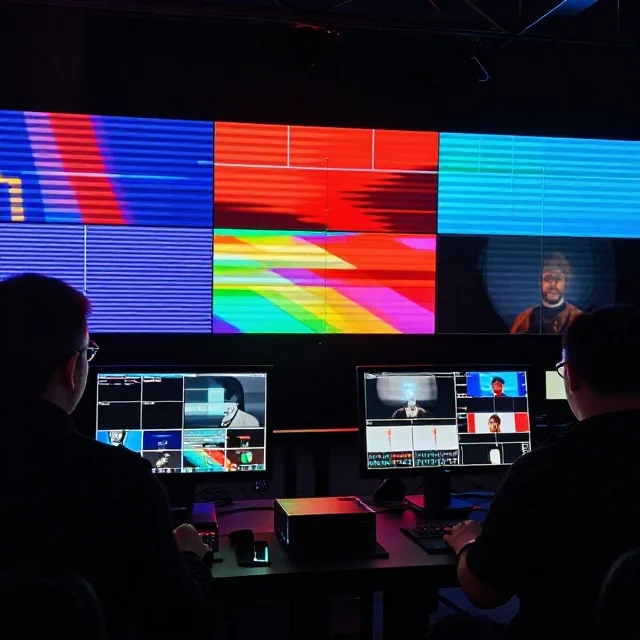
LED screens are widely used at concerts, exhibitions, conferences, sporting events, retail stores and outdoor advertising locations across Dubai and the UAE. However, when comparing LED display specifications, two terms often cause confusion: refresh rate and frame rate. Although they are related to how video appears on a screen, they measure different things and affect image quality in different ways.
Refresh rate describes how frequently an LED display updates its image, while frame rate describes how many individual video frames are delivered or displayed each second. A screen can have a high refresh rate but still show low-frame-rate content, and high-frame-rate video cannot automatically overcome the limitations of an unsuitable display system.
Understanding these differences helps event organisers, production companies, AV integrators and digital signage buyers select equipment that delivers smooth motion, clear images and reliable camera performance.
What Is LED Screen Refresh Rate?
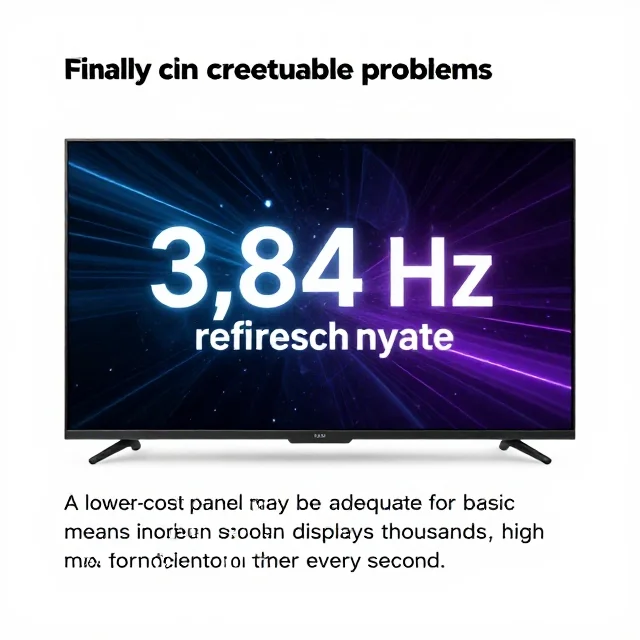
LED screen refresh rate refers to how frequently the display refreshes its image, measured in hertz (Hz). In professional LED video walls, manufacturers commonly specify a high refresh rate, such as 1,920 Hz, 3,840 Hz or higher, depending on the display technology and operating conditions.
A higher refresh rate can help reduce visible flicker and improve how an LED screen appears when captured by cameras. This is particularly important for concerts, live broadcasts, corporate presentations and exhibition stands where professional cameras may record the display.
However, refresh rate is not the same as the number of different video images shown each second. An LED panel may refresh its output thousands of times per second while displaying video recorded at 25, 30 or 60 frames per second.
The actual performance depends on the LED driver IC, panel design, scanning method, brightness settings, greyscale performance and display processor. Therefore, buyers should evaluate the complete display system instead of choosing a product based on its advertised refresh rate alone.
What Is Video Frame Rate?
Video frame rate is the number of individual images, or frames, captured, processed or played back every second. It is measured in frames per second (FPS).
For example, a video recorded at 25 FPS contains 25 frames for each second of playback. A video recorded at 60 FPS contains 60 frames per second, allowing more temporal information to represent movement.
Different frame rates serve different purposes. Films commonly use 24 FPS, television and broadcast workflows may use 25 or 30 FPS, and many live sports, gaming and high-motion video applications use 50 or 60 FPS. Some specialised workflows use 100, 120 or higher frame rates.
The best frame rate depends on the camera, source footage, playback software, video processor and intended viewing experience. For an LED display at a corporate conference, a 25 or 30 FPS presentation may be sufficient. For fast-moving sports footage or interactive gaming, higher frame rates can provide smoother motion when the complete signal chain supports them.
LED Refresh Rate vs Frame Rate: The Main Difference
The key distinction is that frame rate describes how frequently the video content provides new images, whereas refresh rate describes how frequently the display updates its output.
| Feature | LED Screen Refresh Rate | Video Frame Rate |
|---|---|---|
| Measurement | Hertz (Hz) | Frames per second (FPS) |
| What it describes | How frequently the display refreshes | How many video frames occur each second |
| Common examples | 1,920 Hz and 3,840 Hz | 24, 25, 30, 50 and 60 FPS |
| Main impact | Flicker behaviour, camera capture and display performance | Motion smoothness and temporal detail |
| Controlled by | LED panel electronics, driver ICs and display design | Camera settings, source video and playback system |
| Typical consideration | Professional filming and LED wall quality | Video production and content playback |
These specifications work together, but they are not interchangeable. A 3,840 Hz LED screen does not automatically produce 3,840 unique video frames every second. If the source video runs at 30 FPS, it still contains 30 unique frames per second, even if the display refreshes much more frequently.
Similarly, playing 60 FPS content on an LED wall does not guarantee smooth results if the processor, connection, playback device or display configuration cannot handle the signal correctly.
Why Refresh Rate Matters for Live Events
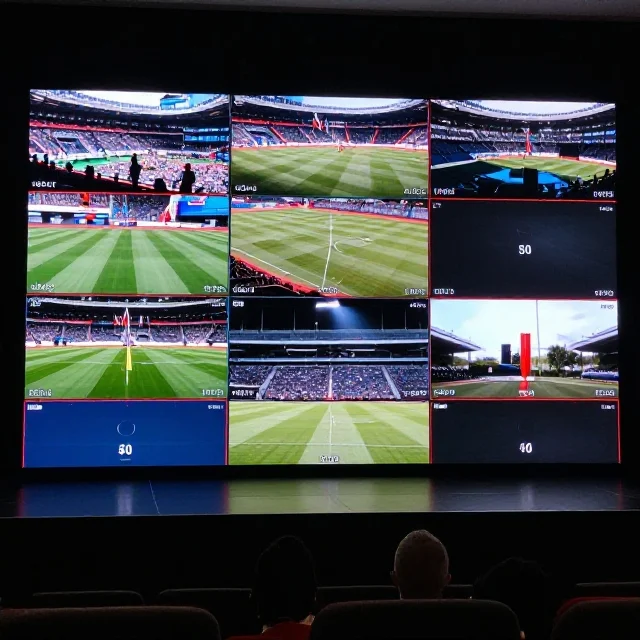
Refresh rate becomes especially important when an LED screen is used in a live production environment. Concerts, award ceremonies, product launches, conferences and sporting events often involve professional cameras, fast-moving content, lighting effects and changing brightness levels.
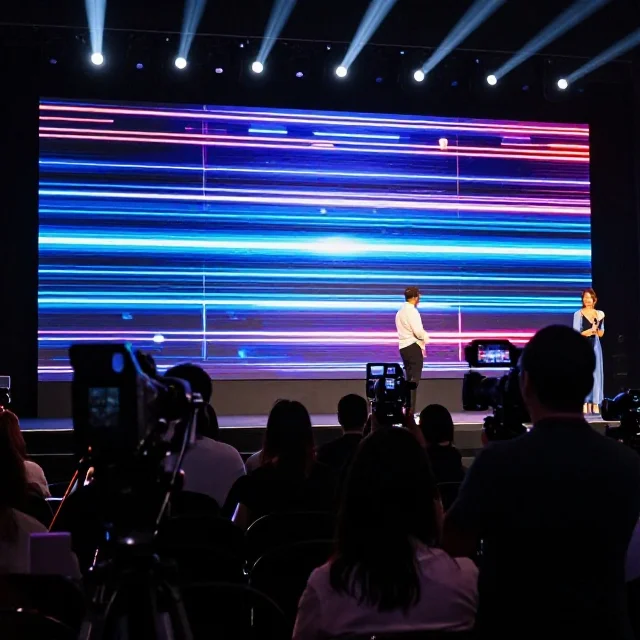
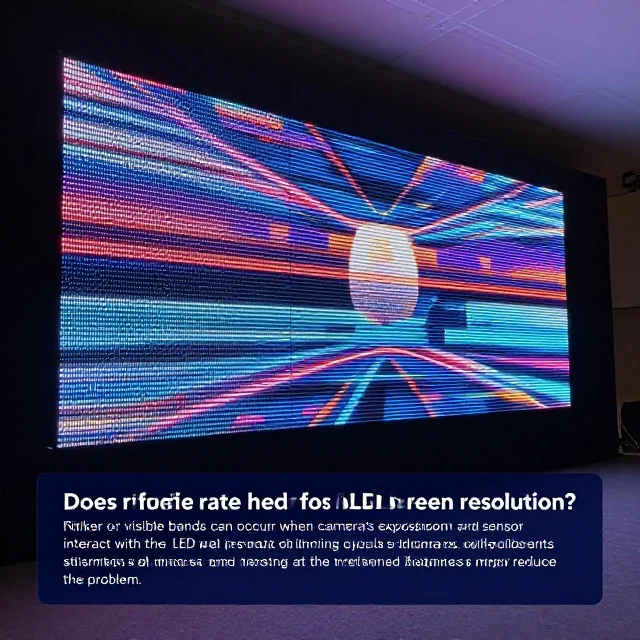
A screen that looks acceptable to someone standing in front of it may behave differently when viewed through a camera. Depending on the panel electronics, camera shutter settings and recording system, the display may show flickering, horizontal bands, rolling lines or uneven brightness in recorded footage.
A suitable high-refresh-rate display can reduce these issues, although it cannot guarantee flicker-free recording under every camera setting. Event production teams should test the LED wall using the actual cameras, frame rates and shutter settings planned for the event.
For major events at Dubai World Trade Centre, Expo City Dubai, Coca-Cola Arena or Abu Dhabi National Exhibition Centre, these checks should form part of the technical rehearsal. They help production teams identify potential display and camera compatibility problems before the audience arrives.
Why Frame Rate Matters for Video Playback
Frame rate has a direct influence on how movement is represented in video content. When a video contains more frames per second, it can capture more intermediate positions of moving objects, provided the footage was recorded and processed appropriately.
For example, 25 FPS footage may be suitable for a corporate presentation, product demonstration or informational video. A 50 or 60 FPS source can be more suitable for fast-moving sports footage, gaming demonstrations and certain live-action promotional videos.
The difference is particularly noticeable when a camera pans quickly across a stage or when athletes, vehicles or animated graphics move across a large LED wall. Lower-frame-rate footage may appear less fluid, even when displayed on a high-refresh-rate screen.
Nevertheless, a higher frame rate is not automatically better for every production. Content creation standards, motion style, playback compatibility, bandwidth and the intended visual appearance should all be considered.
How Refresh Rate and Frame Rate Work Together
An LED display system has several connected stages: the video source, playback device, video processor, transmission system and LED panels. Each stage must support the intended signal format for the complete system to perform correctly.
Consider a live event using 50 FPS video content and an LED panel advertised at 3,840 Hz refresh rate. The source supplies 50 unique frames per second, while the panel’s internal electronics refresh the displayed image at a much higher frequency. The two values describe different stages of image delivery.
If the video processor accepts only an incompatible input format, the system may introduce frame conversion, repeated frames or other limitations. If the LED panel has poor low-brightness performance or unsuitable driver electronics, its high refresh specification alone may not deliver the expected image quality.
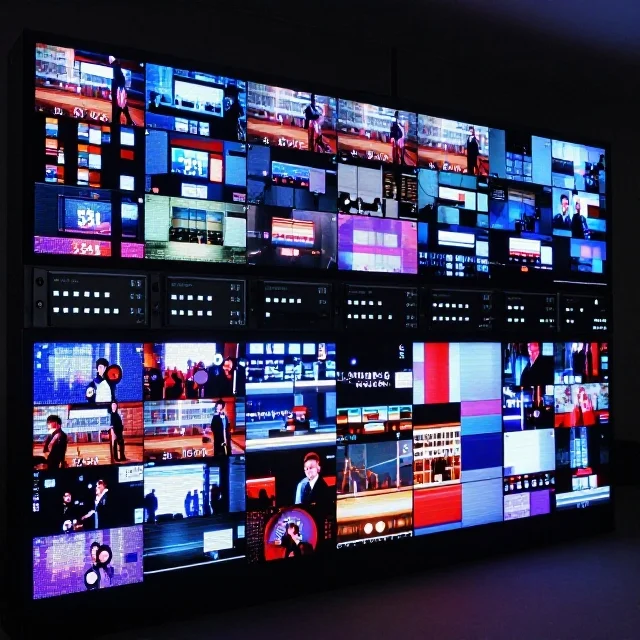
A professional system therefore needs compatible input resolution, frame rate, refresh behaviour, processing capacity and panel configuration. This is especially important for large LED video walls where multiple cabinets must operate together without visible inconsistencies.
What Is a Good Refresh Rate for an LED Screen?
There is no single refresh-rate specification that is ideal for every LED display application. The appropriate value depends on whether the screen will be used for basic signage, detailed presentations, high-motion video, professional filming or broadcast production.
For general indoor digital signage, standard promotional videos and many business displays, the priority may be dependable playback, suitable brightness, resolution and consistent colour. Refresh-rate requirements should still meet the manufacturer’s specifications and the intended operating environment.
For exhibitions, conferences and corporate events, a higher-refresh-rate panel can be useful because the screen may appear in event photography and recorded presentations. For concerts, television production and live streaming, camera compatibility and flicker behaviour become more important.
A specification of 3,840 Hz or higher may be appropriate for some professional LED wall applications, but buyers should not treat that number as a universal quality guarantee. Request the panel’s documented refresh performance, ask how it behaves at different brightness levels, and test it under the intended camera conditions.
Does a Higher Refresh Rate Improve Camera Recording?
A high refresh rate can improve camera compatibility, but camera recording involves more than the display’s advertised hertz value.
Cameras capture light over a defined exposure period. Their shutter speed, sensor readout method, frame rate and scanning behaviour interact with the LED panel’s refresh cycle and pulse-width modulation (PWM) dimming. If the timing does not work well together, recorded footage can contain bands, flicker or uneven brightness.
This can be particularly noticeable when recording an LED wall at low brightness, using high shutter speeds or filming with multiple cameras operating at different settings. Some LED panels perform well at high brightness but show more artefacts under certain dimming conditions.
Before a live event, production teams should record test footage at the intended frame rate and shutter settings. They should also test typical brightness levels, including darker scenes and transitions. If artefacts appear, the team may need to adjust the camera shutter, display brightness, processor configuration or LED panel settings.
The goal is not simply to purchase the panel with the largest refresh-rate number. It is to achieve consistent, camera-friendly performance under real operating conditions.
Refresh Rate and Frame Rate for Indoor vs Outdoor LED Screens
Indoor and outdoor LED screens have different operating priorities. Indoor displays are frequently used for presentations, exhibition graphics, corporate video and close-range viewing, where fine pixel pitch, text clarity and camera performance may be important.
Outdoor LED screens are designed to remain visible under stronger ambient light and may be installed on building façades, roadside advertising structures, event stages or large public displays. Brightness, weather protection, thermal management, viewing distance and structural installation are essential considerations.
Refresh rate matters for both indoor and outdoor displays, especially if cameras are involved. However, it should be evaluated alongside pixel pitch, brightness, contrast, greyscale handling, colour uniformity and the viewing environment.
For example, an outdoor advertising screen near a busy road may primarily display scheduled promotional videos, while an outdoor concert screen may need to support high-motion content and camera recording. The applications have different priorities, even if both use high-brightness LED technology.

Choosing an LED Screen for Exhibitions and Events in Dubai
Dubai hosts exhibitions, product launches, trade shows, conferences and entertainment events throughout the year. Choosing an LED screen for these settings requires a clear understanding of the venue, audience, content and production setup.
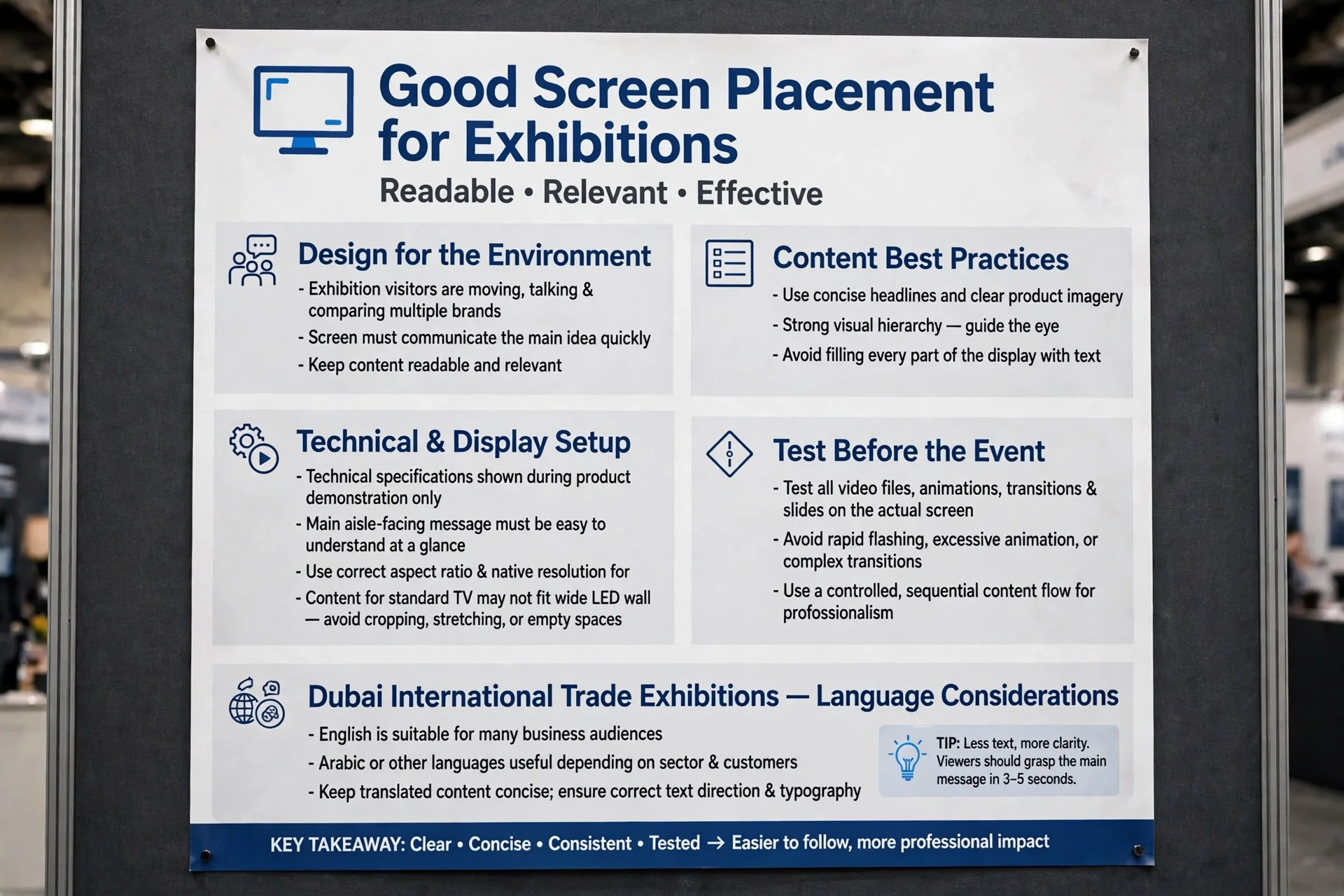
At exhibition venues such as Dubai World Trade Centre and Expo City Dubai, LED screens may be installed on exhibition stands, in conference rooms or as large-format visual backdrops. Screen size, pixel pitch, viewing distance and content resolution help determine how clearly text, logos and product details appear.
For live stage productions, the team should also evaluate refresh rate, processor compatibility and camera behaviour. If the display will be filmed for live streaming or promotional videos, test footage should be reviewed before the event.
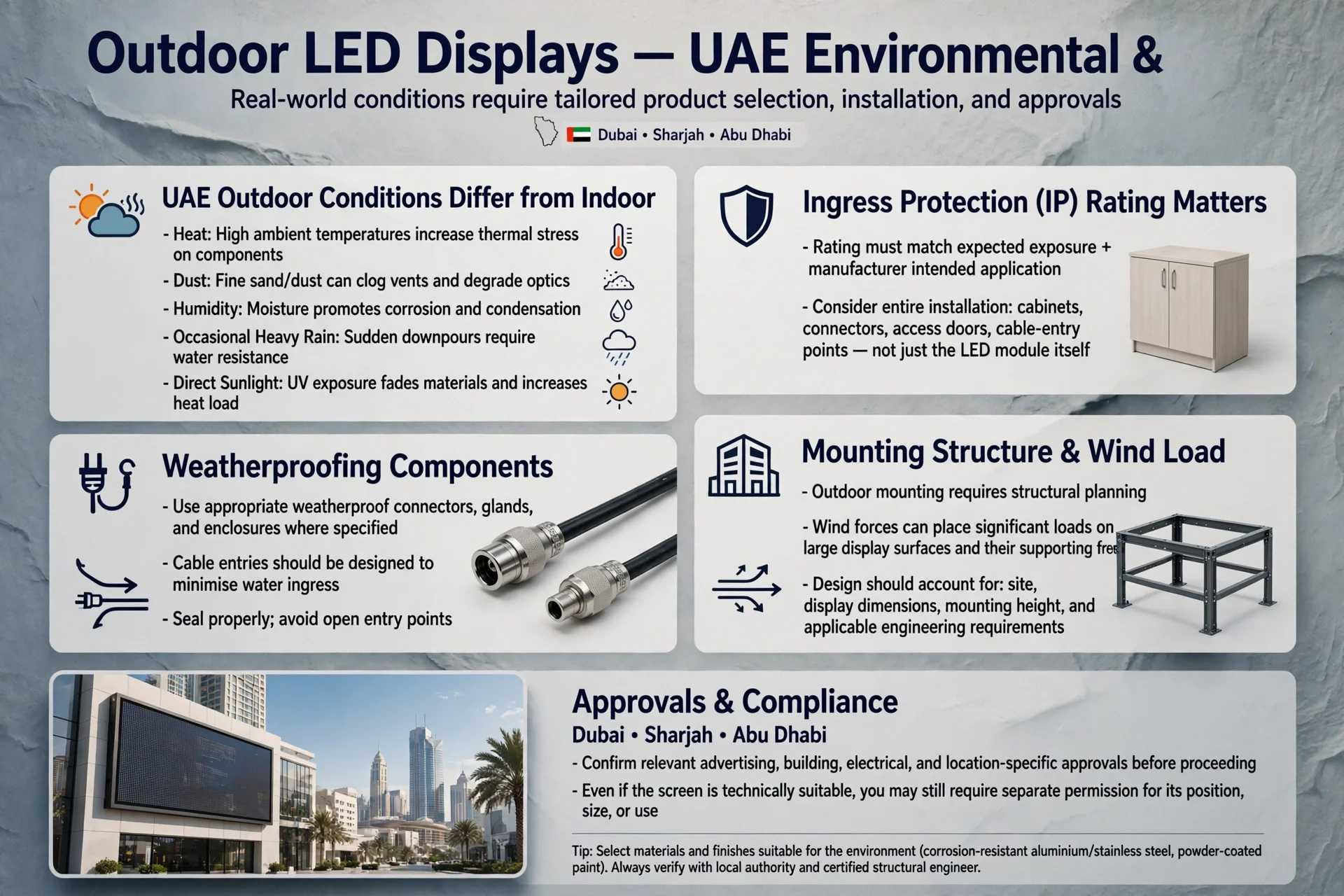
For outdoor events in Dubai, Abu Dhabi or Sharjah, brightness, weather resistance, ventilation, safe rigging and ambient light conditions also matter. The installation should comply with the venue’s technical requirements and applicable safety procedures.
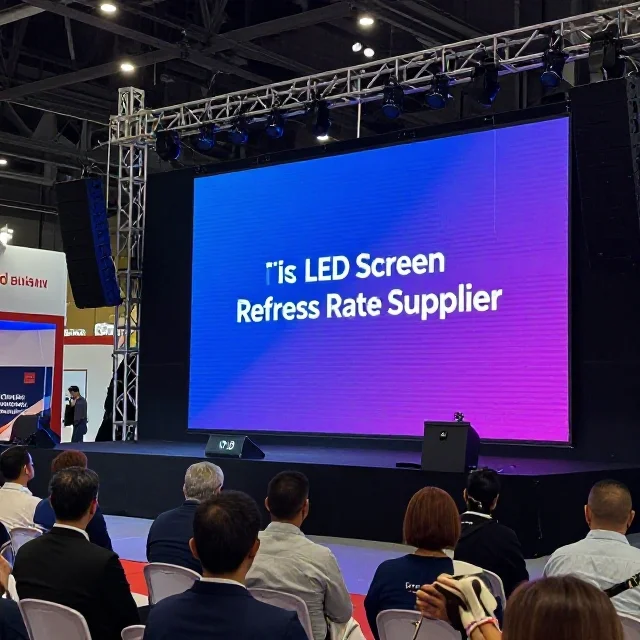
A suitable LED Screen Refresh Rate Supplier can help buyers compare panel specifications, clarify the supported input signals and select a display configuration that matches the event’s real requirements rather than relying on one headline specification.
Other LED Screen Specifications That Matter
Refresh rate and frame rate are important, but they are only two parts of LED display performance. Pixel pitch determines the distance between neighbouring pixels and influences the appropriate viewing distance. A smaller pixel pitch can provide greater detail for close viewing, but the ideal selection also depends on budget, screen size and content.
Brightness, measured in nits or candelas per square metre, determines how well the display competes with ambient light. Excessive brightness in a dark indoor venue can be uncomfortable, while insufficient brightness outdoors can reduce visibility.
Contrast ratio, colour reproduction and greyscale performance influence how accurately the screen displays dark scenes, gradients and subtle colour differences. Cabinet alignment, calibration and uniformity are important for large video walls because differences between panels can become visible across the overall image.
The video processor must also support the required input resolution, refresh settings and frame rates. Cable quality, signal distribution and system configuration can affect reliability. For professional events, the full signal chain should be reviewed rather than judging quality from the LED panel specification sheet alone.
Common Mistakes When Comparing Refresh Rate and Frame Rate
One common mistake is assuming that a 3,840 Hz refresh rate means the screen displays thousands of unique frames every second. Refresh cycles and video frames measure different things, so the figures should never be compared as if they were equivalent.
Another mistake is assuming that every high-refresh-rate screen is camera-safe. Actual performance depends on panel electronics, brightness, PWM behaviour, camera settings and the recording system. A practical camera test is more useful than relying exclusively on marketing claims.
Buyers can also overlook the video processor. A panel may support a high refresh rate internally, but the source and processor still need to deliver the intended frame rate and signal format correctly. Incompatible settings can lead to frame conversion, motion judder or other display problems.
Finally, selecting a screen solely by price can create avoidable problems. A lower-cost panel may be adequate for basic signage but unsuitable for close-up filming, high-motion content or professional live production. Define the application first, then compare the specifications that directly affect the intended use.
How to Test an LED Screen Before an Event
A practical test should begin with the actual video files, playback device and processor configuration planned for the event. Confirm that the system accepts the source resolution and frame rate, and check that playback is stable without dropped frames or unexpected scaling.
Next, inspect moving content, scrolling text, fast camera pans and dark scenes. These examples can reveal motion artefacts, uneven brightness, colour inconsistency or other issues that static test patterns may not expose.
If cameras will record the screen, capture sample footage using the intended camera frame rate, shutter speed and brightness settings. Review the footage on a monitor rather than relying only on what appears to the naked eye. Repeat the test at different brightness levels if the event includes bright visuals and darker scenes.
For multi-cabinet LED walls, check panel alignment, colour uniformity and consistency across the full display. Complete these checks during setup or technical rehearsal so the production team has time to adjust the system before the event begins.
Frequently Asked Questions
Is refresh rate the same as frame rate?
No. Refresh rate, measured in hertz, describes how frequently the display refreshes its output. Frame rate, measured in frames per second, describes how many video frames are captured or delivered each second. Both influence the viewing experience, but they measure different aspects of the system.
Is a 3,840 Hz LED screen better than a 1,920 Hz screen?
A 3,840 Hz screen may offer advantages for certain camera-based applications, but the higher number alone does not guarantee better overall image quality. Driver design, brightness, greyscale performance, processor compatibility and actual camera testing also matter.
What frame rate is best for LED video walls?
The appropriate frame rate depends on the source content and production requirements. Common formats include 25, 30, 50 and 60 FPS. Choose a frame rate supported by the source, processor and complete display system, and consider the motion characteristics of the content.
Why does an LED screen flicker when filmed?
Flicker or visible bands can occur when the camera’s exposure and sensor readout interact with the LED panel’s refresh and dimming cycles. Camera shutter adjustments, suitable panel settings and testing at the intended brightness may reduce the problem.
Does refresh rate affect LED screen resolution?
Refresh rate and resolution are different specifications. Resolution describes the number of pixels available to represent an image, while refresh rate describes how frequently the display updates its output. Both matter, but improving one does not automatically improve the other.
What matters most when renting an LED screen for a Dubai event?
The main considerations include screen size, pixel pitch, viewing distance, brightness, refresh behaviour, input compatibility, content frame rate, installation requirements and whether cameras will record the screen. Venue conditions and technical rehearsal requirements should also be considered.
Conclusion
LED screen refresh rate and video frame rate serve different purposes, but both influence the quality of video playback and live event production. Frame rate determines how frequently new video images are supplied, while refresh rate describes how frequently the display updates its output.
For exhibitions, concerts, conferences and digital signage across Dubai and the wider UAE, the best solution is one that balances panel performance, processor compatibility, image quality, brightness and the actual production requirements. A high refresh-rate specification can be valuable, particularly when cameras are involved, but real-world testing remains essential.
By comparing the complete display system instead of focusing on a single number, event organisers and businesses can choose LED screens that deliver smoother motion, more reliable camera capture and consistent visual performance.