
Digital screens are everywhere today. We see them in homes, offices, shops, malls, hospitals, and even on the roads. From small monitors to large LED walls, screens play a big role in how we work, sell, learn, and entertain. One common question people ask is very simple: how long does a digital screen really last?
In this guide, I will explain digital screen lifespan in very easy English. You will learn what affects screen life, how to make screens last longer, and what mistakes shorten their life. I will also share a real personal experience from John Smith, who worked with digital displays for many years. This article is written for normal people, not engineers, so everything is easy to understand.
What Does Digital Screen Lifespan Mean?
Digital screen lifespan means the total time a screen works properly before its quality becomes poor or it stops working. This does not mean the screen suddenly dies one day. In most cases, screens slowly lose brightness, color strength, or clarity over time.
For example, an LCD Screen Monitor may still turn on after many years, but the colors may look dull, or the screen may feel less sharp than before. This is part of normal aging.
Screen lifespan is usually measured in hours of use, not years. If a screen is rated for 50,000 hours, it means it can run for that many hours before major quality loss appears.
Average Lifespan of Digital Screens
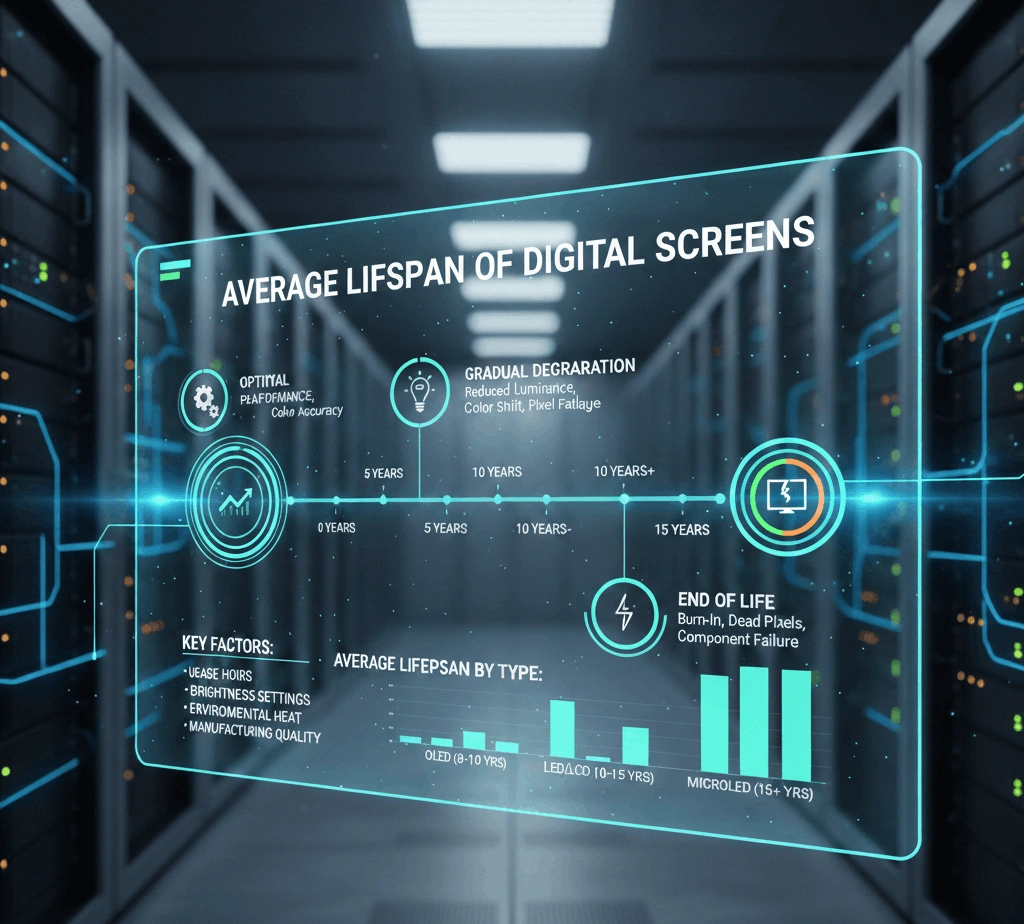
Different screen types have different lifespans. Here is a simple breakdown:
- LCD screens: usually 40,000 to 60,000 hours
- LED displays: usually 60,000 to 100,000 hours
- OLED screens: usually 30,000 to 50,000 hours
- Commercial LED walls: often over 100,000 hours with good care
A wall display led used in a shop for 10 hours a day can easily last many years if maintained properly.
John Smith’s Personal Experience With Digital Screens
John Smith worked as a retail display manager for over 12 years. He handled screens in clothing stores, electronics shops, and shopping malls. According to John, the biggest mistake people make is thinking screens do not need care.
John once managed a store that installed large digital screens near the entrance. In the first year, everything looked perfect. The colors were bright, and customers loved the moving visuals. But after two years, one screen started looking darker than the others.
When John checked the issue, he found that the screen was running 24 hours a day with no breaks. Dust had built up inside, and no one cleaned the ventilation areas. The screen did not fail suddenly, but its brightness dropped much faster than expected.
Later, in another store, John followed a simple routine. He reduced daily running hours, cleaned screens monthly, and kept the room temperature stable. Those screens lasted almost double the time compared to the first store.
John’s experience proves one thing clearly: how you use a screen matters more than the brand name.
Key Factors That Affect Digital Screen Lifespan
Many things decide how long a screen will last. Let’s look at them one by one.
Daily Usage Time
The more hours a screen runs each day, the faster it ages. A screen used 6 hours a day will last much longer than one used 20 hours a day.
If possible, turn off screens when not needed. Even short breaks help extend lifespan.
Brightness Settings
Running screens at full brightness all the time puts extra pressure on internal parts. Most screens do not need maximum brightness indoors.
Reducing brightness by even 20% can add thousands of extra working hours.
Heat and Ventilation
Heat is one of the biggest enemies of digital screens. Poor airflow causes internal parts to wear out faster.
Always make sure air vents are open and not blocked. This is very important for large displays and LED walls.
Power Quality
Unstable power, voltage drops, or sudden surges can damage screens slowly. Using a stabilizer or surge protector helps protect screen life.
Difference Between Home Screens and Commercial Screens
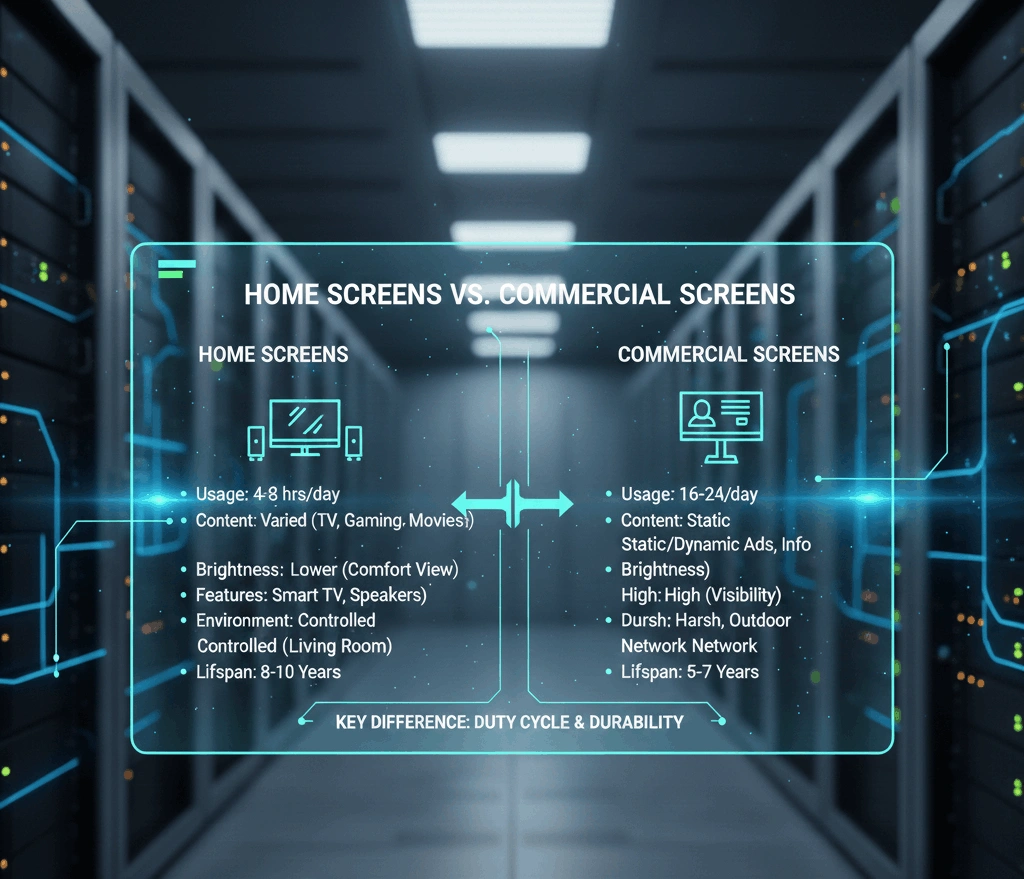
Home screens and commercial screens may look similar, but they are built differently.
Home screens are designed for limited daily use. Commercial screens are built for longer hours and tough conditions.
For example, a commercial LCD Screen Monitor in an office is made to handle daily work use, while a home TV may struggle if used the same way.
A wall display led used in advertising is designed for continuous use, high brightness, and long viewing distance.
Signs That a Digital Screen Is Reaching End of Life
Screens do not suddenly stop working in most cases. They show warning signs first.
Common signs include:
- Dull or faded colors
- Uneven brightness across the screen
- Flickering or blinking
- Slow response time
- Dark spots or lines
If you notice these signs, it does not always mean replacement is needed immediately. Sometimes basic maintenance can restore performance.
How to Extend the Life of Digital Screens
Good care can add years to a screen’s life. Here are simple steps anyone can follow.
Clean the Screen Properly
Dust and dirt affect both picture quality and heat control. Clean screens gently using a soft cloth. Avoid harsh chemicals.
Control Environment
Keep screens away from direct sunlight, moisture, and heat sources. Stable room temperature helps screens last longer.
Use Timers or Schedules
Using automatic on and off schedules reduces unnecessary usage. This is very useful for business displays.
Update Software
Sometimes screen problems come from outdated software. Keeping firmware updated improves performance and stability.
Indoor vs Outdoor Screen Lifespan
Indoor screens usually last longer because they are protected from weather, dust, and sunlight.
Outdoor screens face rain, heat, cold, and pollution. However, outdoor commercial LED displays are built stronger and can still last many years with proper care.
A well-installed outdoor wall display led can work reliably even in harsh conditions.
Cost vs Lifespan: What Really Matters
Many people try to buy the cheapest screen available. This often leads to higher costs later.
A slightly expensive screen with good components often lasts longer and needs fewer repairs.
John Smith once shared that replacing cheap screens twice cost more than buying one good-quality screen that lasted longer.
Is Screen Burn-in Still a Problem?
Burn-in happens when the same image stays on the screen for a very long time. This issue is less common today but can still happen.
To avoid burn-in:
- Change content regularly
- Use screen savers
- Avoid static images for long periods
This is important for menu boards, signage, and information screens.
Future of Digital Screen Lifespan
Screen technology is improving every year. New materials, better cooling systems, and smart brightness controls are increasing lifespan.
Modern displays are designed to last longer while using less power. This is good for both users and the environment.
Experts believe future digital screens will last even longer with less maintenance.
Final Thoughts
Digital screen lifespan depends on many factors, but the most important one is how you use and care for the screen. Brand, price, and technology matter, but daily habits matter more.
John Smith’s experience shows that simple steps like proper cleaning, controlled usage, and good ventilation can double screen life.
Whether you are using a small LCD Screen Monitor or a large wall display led, taking care of it properly will save money, reduce problems, and keep visuals looking great for years.
Digital screens are an investment. Treat them well, and they will serve you well for a long time.