
Digital screens are everywhere today. You see them in malls, offices, restaurants, airports, shops, hospitals, and even small stores. But the screen alone does nothing without the brain behind it. That brain is digital signage software.
Many people buy a screen first and then get confused about how content will show, change, or update. That is where digital signage software comes in. In this guide, I will explain everything in very simple words so anyone can understand it, even if you are not technical.
I will also share real experience from using digital signage in daily business work, so you know what actually matters.
What Is Digital Signage Software?
Digital signage software is a tool that controls what appears on a digital screen. It helps you show:
- Images
- Videos
- Text
- Menus
- Advertisements
- Announcements
- Live updates
Without software, a screen is just a blank display. With software, it becomes a powerful communication tool.
Why Digital Signage Software Is Important
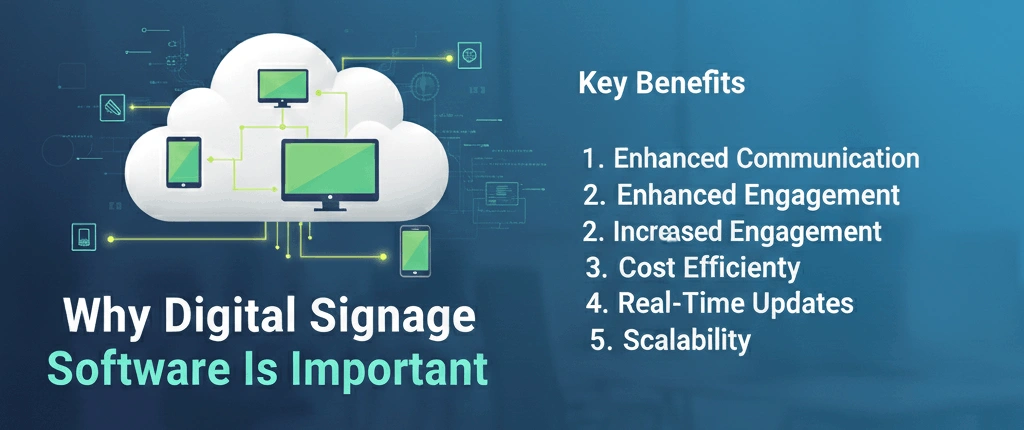
Many businesses focus only on buying a good screen. But from real experience, the software matters even more than the screen.
Good software allows you to:
- Change content anytime
- Control multiple screens from one place
- Schedule content by time and date
- Update messages instantly
- Manage screens remotely
This is especially useful for setups using a LED digital display, where content needs frequent updates without touching the screen physically.
How Digital Signage Software Works (Simple Explanation)
Here is how it works in simple steps:
- You install the software on a computer or cloud
- You upload content like images or videos
- You connect the screen to the software
- You schedule when content shows
- The screen displays content automatically
That’s it. No complicated process.
Types of Digital Signage Software
There are different types depending on business needs.
Cloud-Based Digital Signage Software
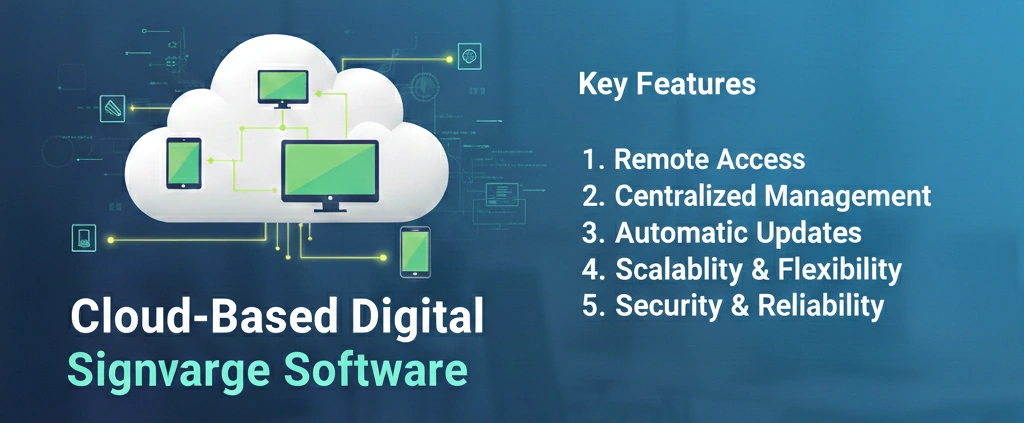
This is the most popular type today.
Features
- Works through the internet
- Control screens from anywhere
- No heavy hardware needed
Best For
- Retail stores
- Restaurants
- Corporate offices
- Chain businesses
From experience, cloud-based software saves time and avoids technical headaches.
On-Premise Digital Signage Software
This software runs on a local computer or server.
Features
- Works without internet
- Full local control
Best For
- Secure environments
- Government offices
- Private networks
It requires more setup but offers full offline control.
USB-Based Digital Signage Software
This is the simplest method.
How It Works
- Content is saved on a USB
- USB is plugged into the screen
- Screen plays content in loop
Limitations
- No remote updates
- Manual content changes
- Not scalable
Good for very small setups only.
What Can Digital Signage Software Display?
Digital signage software supports many content types.
Common Content Types
- Promotional videos
- Product images
- Menu boards
- Event announcements
- Safety messages
- Directional signs
Businesses using pop up display stands suppliers in the UAE often combine physical displays with digital screens to create better visibility and engagement.
Scheduling Content Made Easy
One of the biggest benefits is scheduling.
You Can:
- Show breakfast menus in the morning
- Promotions in the evening
- Weekend offers automatically
- Holiday messages on special dates
This saves daily manual work.
Multi-Screen Management
Digital signage software allows you to control many screens at once.
Example
- Same content on all screens
- Different content per location
- Different messages by branch
This is very useful for malls, offices, and retail chains.
Real User Experience: What I Learned
From working with digital signage in real business environments, here are some lessons:
- Simple software is better than complex software
- Easy content upload matters more than fancy features
- Remote access saves time and cost
- Stable software prevents screen freezing
Many people choose software with too many features they never use. Focus on ease and reliability.
Digital Signage Software for Advertising
Advertising is one of the biggest uses.
Benefits
- Eye-catching motion content
- Better engagement than posters
- Easy updates for new offers
- Professional brand image
Digital screens increase attention compared to printed boards.
Digital Signage Software for Restaurants
Restaurants use digital signage mainly for menus.
Benefits
- Change prices instantly
- Add food images easily
- Remove out-of-stock items
- Promote combo deals
This reduces printing costs and improves customer experience.
Digital Signage Software for Offices
In offices, software is used for:
- Announcements
- Welcome screens
- Meeting room displays
- Employee messages
It keeps communication clear and professional.
Digital Signage Software for Retail Stores
Retail stores benefit greatly.
Uses
- Product promotions
- Sale announcements
- Brand videos
- New arrivals
A well-managed LED digital display can increase customer attention and sales.
Content Design Matters
Software is powerful, but content design matters too.
Best Practices
- Keep text short
- Use clear images
- Avoid clutter
- Use readable fonts
- Match brand colors
Bad design reduces the effect of good software.
Internet Requirement for Digital Signage Software
Most modern software needs internet.
Why?
- Content updates
- Remote access
- Cloud storage
However, content usually keeps playing even if internet disconnects temporarily.
Security and Access Control
Good software offers:
- User login roles
- Screen-level permissions
- Secure data handling
This prevents mistakes and unauthorized changes.
Maintenance and Updates
Digital signage software needs regular updates.
Why Updates Matter
- Bug fixes
- New features
- Security improvements
Always choose software with good support and updates.
Hardware Compatibility
Before choosing software, check compatibility.
Ensure It Supports:
- Your screen type
- Media players
- Operating system
- Screen resolution
Compatibility issues cause display problems.
Cost of Digital Signage Software
Costs vary depending on features.
Common Pricing Models
- Monthly subscription
- Per screen license
- One-time payment
From experience, monthly plans are better for flexibility.
Common Mistakes People Make
Avoid these mistakes:
- Buying software without testing
- Choosing complex systems
- Ignoring training
- Using poor content
- Not planning content updates
Good planning avoids future frustration.
Digital Signage Software vs Static Displays
Static displays cannot compete with digital signage.
Digital Advantages
- Motion attracts attention
- Easy updates
- No reprinting cost
- Professional appearance
That’s why many businesses move from posters to digital screens.
Digital Signage Software and Branding
Consistent branding is important.
Software helps maintain:
- Brand colors
- Fonts
- Message tone
- Logo placement
This builds trust and recognition.