
How Proper Care Keeps Digital Screens Bright, Reliable, and Long-Lasting
Digital displays are now everywhere. We see them in shops, malls, offices, airports, restaurants, and even homes. They show ads, menus, information, and promotions all day long. Because these screens work for many hours, proper care is very important. Without regular maintenance, digital displays can lose brightness, show lines, overheat, or stop working completely.
In this guide, I will share clear and simple maintenance tips for digital displays. I will also add my personal experience working with digital screens in real locations. Everything is written in easy English, so anyone can understand and apply these tips without technical stress.
My Personal Experience With Digital Display Maintenance
When I first started working with digital displays, I thought they did not need much care. Once installed, I believed they would work fine for years. But after a few months, problems started appearing. Some screens became dim, others showed black spots, and a few stopped turning on.
One display in a retail store failed during peak hours because dust had blocked the air vents. Another screen overheated because it was installed near direct sunlight. These experiences taught me that digital displays need regular attention, just like any electronic device. Since then, following proper maintenance routines has saved time, money, and stress.
Why Digital Display Maintenance Is Important
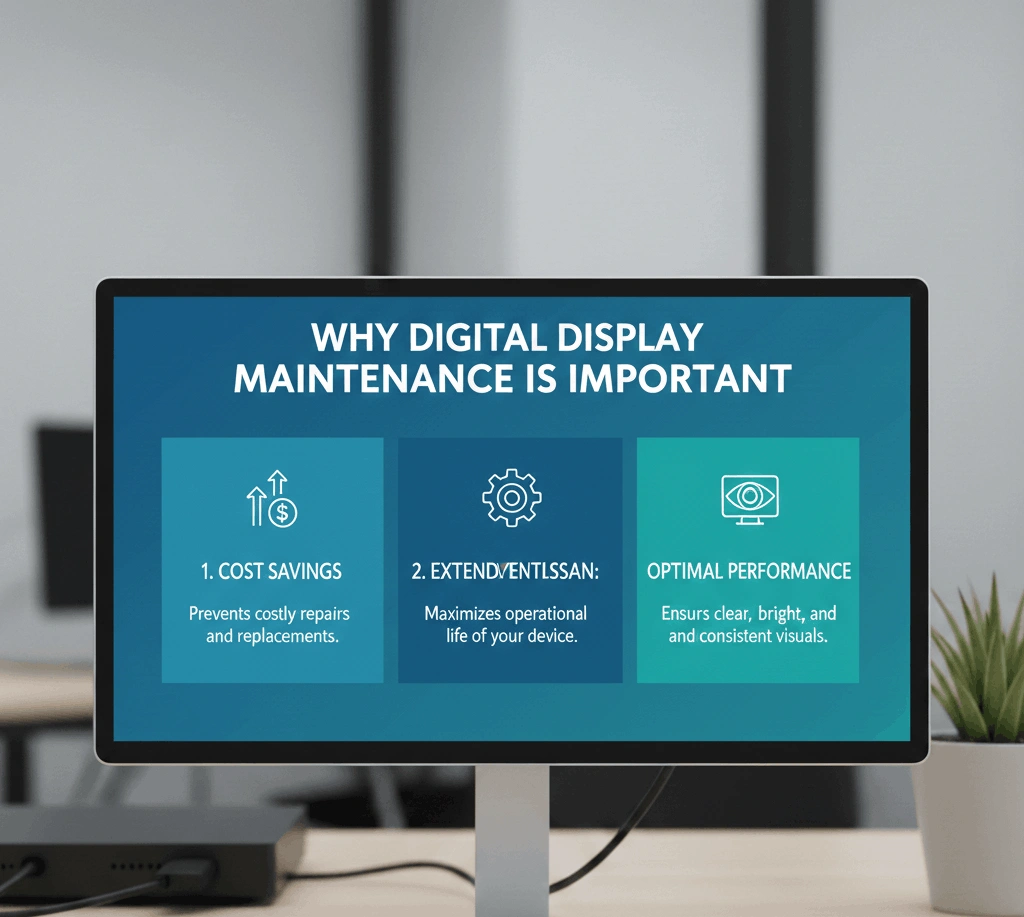
Digital displays are an investment. Whether used for advertising or information, they represent your brand. A poorly maintained screen looks unprofessional and reduces trust.
Regular maintenance helps:
- Extend screen life
- Keep image quality sharp
- Prevent sudden breakdowns
- Reduce repair costs
- Maintain stable performance
Ignoring maintenance can lead to costly replacements and lost business opportunities.
Understanding How Digital Displays Work
Before maintaining a digital display, it helps to understand the basics. Most digital displays include:
- Display panel
- Power supply
- Control board
- Cooling system
- Software or media player
Each part must work smoothly for the screen to perform well. Maintenance focuses on keeping these parts clean, cool, and updated.
Regular Cleaning of Digital Screens
Dust and dirt are the biggest enemies of digital displays. Screens attract dust easily, especially in busy areas.
Best Cleaning Practices
- Use a soft microfiber cloth
- Turn off the screen before cleaning
- Avoid spraying liquid directly on the screen
- Use screen-safe cleaning solution
Never use rough cloths or strong chemicals. These can scratch or damage the display surface.
Keeping Air Vents and Fans Clean
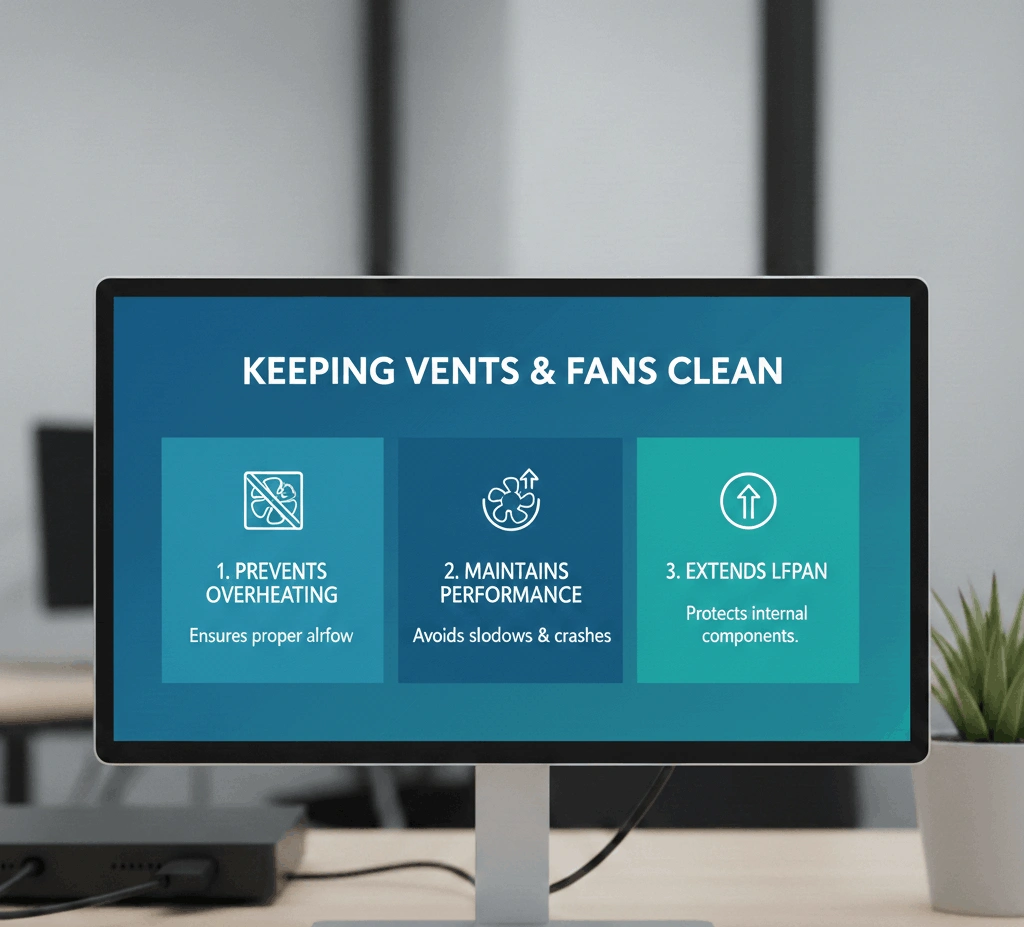
Digital displays generate heat. Fans and vents remove this heat. When vents are blocked, heat builds up and damages internal parts.
Check vents regularly and remove dust using:
- Soft brush
- Compressed air
In my experience, cleaning vents every month greatly reduced overheating issues.
Managing Heat and Temperature
Heat is a silent killer for digital screens. Displays installed in hot areas need extra care.
Tips to Control Heat
- Avoid direct sunlight
- Ensure proper ventilation
- Use cooling systems if needed
- Monitor room temperature
Overheating shortens screen life and affects brightness.
Protecting Displays From Power Issues
Power fluctuations can damage digital displays. Sudden voltage changes may harm the power supply or control board.
Use:
- Surge protectors
- Stable power sources
- Proper grounding
After adding surge protection to our displays, power-related failures dropped significantly.
Software and Content Management
Digital displays rely on software to show content. Old or unstable software can cause freezing or blank screens.
Software Maintenance Tips
- Update firmware regularly
- Restart systems weekly
- Remove unused files
- Monitor content schedules
Stable software keeps displays running smoothly.
Checking Cables and Connections
Loose or damaged cables cause flickering or signal loss. During maintenance, always inspect:
- Power cables
- Data cables
- Network connections
Replace worn cables early to avoid sudden failures.
Brightness and Color Calibration
Over time, digital displays may lose color accuracy or brightness.
Adjust settings periodically:
- Brightness
- Contrast
- Color balance
This keeps visuals clear and professional.
Outdoor vs Indoor Display Maintenance
Outdoor displays face more challenges such as dust, heat, rain, and pollution. Indoor screens need less protection but still require care.
Outdoor screens should be checked more often, especially seals and protective covers.
Cleaning Schedule That Works
Based on experience, a simple schedule works best:
- Weekly: Visual inspection
- Monthly: Screen and vent cleaning
- Quarterly: Cable and software check
- Yearly: Full system inspection
Following this routine keeps displays reliable.
Handling Touch Screen Displays
Touch screens need special care. Fingerprints and oils reduce sensitivity.
Clean touch screens gently and recalibrate touch response when needed.
Preventing Screen Burn and Image Retention
Displaying the same image for long periods can cause burn-in.
To prevent this:
- Use screen savers
- Rotate content
- Adjust brightness levels
Dynamic content keeps screens healthy.
Protecting Displays During Cleaning and Renovation
During cleaning or renovation work, cover displays properly. Dust and moisture from construction can cause serious damage.
I once saw a screen fail because paint dust entered the vents. Covering screens during such work is very important.
Importance of Professional Inspection
While basic maintenance can be done in-house, professional checks add value. Experts can detect early signs of failure.
This is especially useful for advanced systems like DS Shelf Talker LCD Digital displays used in retail environments.
Transparent LED Panels Maintenance
Modern designs often use led panel transparent displays. These need careful handling because of their open structure.
Clean gently and avoid pressure on the panel surface. Ensure proper mounting to avoid vibration damage.
Training Staff for Basic Maintenance
Training staff to spot early problems helps prevent bigger issues. Simple checks like noise, heat, or flickering can be reported early.
Cost Savings Through Proper Maintenance
Proper maintenance reduces repair costs. Replacing one small part early is cheaper than replacing a full display.
In my experience, maintenance reduced yearly display expenses by a large margin.
Common Mistakes to Avoid
- Using wrong cleaning materials
- Ignoring heat warnings
- Skipping software updates
- Blocking ventilation
Avoiding these mistakes keeps displays safe.
Future of Digital Display Maintenance
As displays become smarter, maintenance will also improve. Remote monitoring and alerts will help detect issues early.
Smart systems will reduce downtime and improve performance.
Final Thoughts on Digital Display Maintenance
Digital displays are powerful tools, but only when they work properly. Regular maintenance keeps them bright, reliable, and professional.
From personal experience, small efforts make a big difference. Simple cleaning, regular checks, and smart handling can extend display life for years.
By following these maintenance tips for digital displays, businesses and users can protect their investment and enjoy smooth performance every day.