
Digital screens are everywhere today, from retail stores and offices to airports and stadiums. They provide advertisements, information, interactive content, and entertainment. While many people focus on screen size, resolution, or design, one critical aspect is often overlooked: power and network requirements.
Without proper planning for electricity and connectivity, digital screens can face problems like flickering, slow content updates, or even system failure. Understanding these requirements is essential for both permanent installations and temporary setups.
This guide explains the power and network requirements for digital screens in simple English, including practical tips, examples, and considerations.
Why Power and Network Planning Matters
Digital screens need a stable power supply and reliable network connection to function properly. Common problems caused by ignoring these factors include:
- Flickering or dim screens
- Slow or failed content updates
- Overheating of equipment
- Reduced lifespan of screens
- Connectivity issues during live events
For businesses in retail or corporate environments, digital signage like DS Shelf Talker LCD Digital or led panel transparent displays are only effective when these systems are well-planned.
Understanding Power Requirements
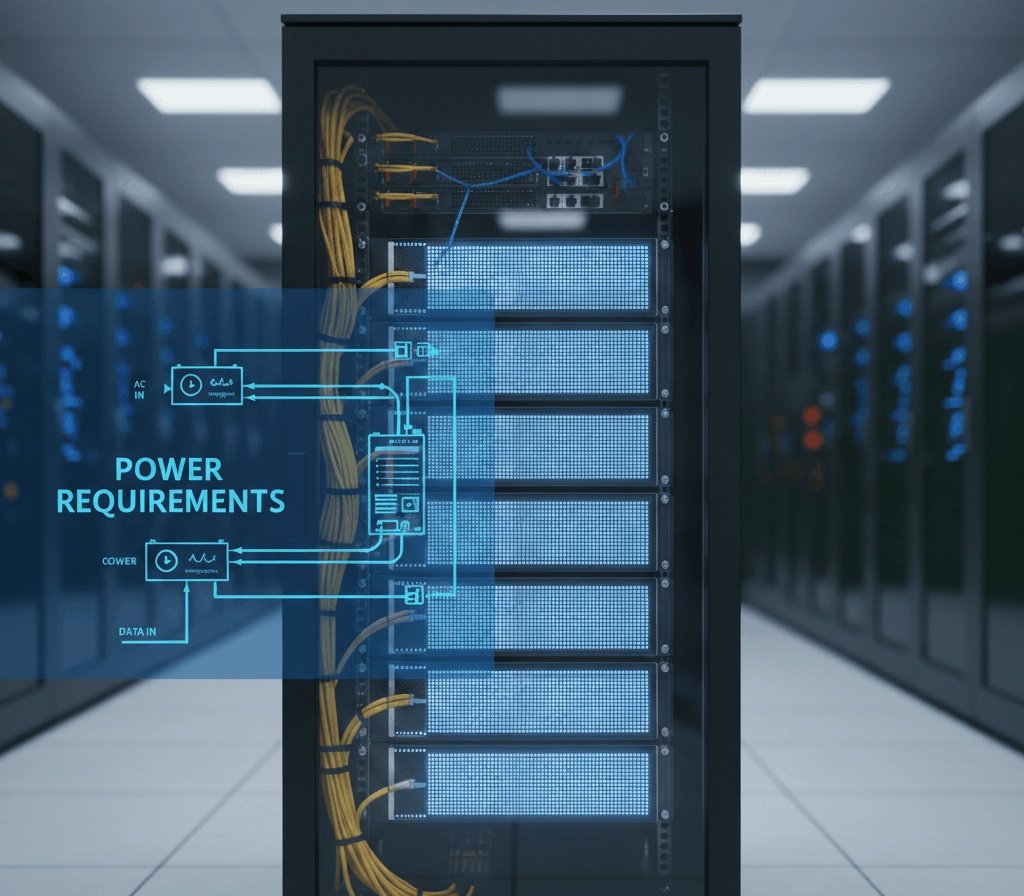
1. Voltage and Current
Most digital screens operate on DC voltage supplied through power adapters or regulated power supplies. Common voltages include:
- 12V DC – small displays or shelf talkers
- 24V DC – medium to large LED panels, transparent displays
The current required depends on the screen’s size, LED type, and brightness. Always check the manufacturer’s specifications.
2. Wattage Calculation
Before installation, calculate total power consumption. A simple formula:
Total Wattage = Screen Wattage × Number of Screens × Safety Margin (20–30%)
Example:
- One DS Shelf Talker LCD Digital: 20W
- Five units: 20 × 5 = 100W
- Add 30% margin → 130W total
This ensures that the power supply can handle all screens without overheating or overloading.
3. Power Distribution
For large installations:
- Use multiple power supplies instead of one oversized unit
- Divide screens into groups to reduce load on each supply
- For led panel transparent walls, distribute power across different sections
This improves safety, reliability, and maintainability.
4. Backup Power
Power outages can disrupt digital content. Consider:
- UPS (Uninterruptible Power Supply) for short interruptions
- Generators for long-term backup in outdoor events or exhibitions
Backup systems protect both hardware and content.
5. Cable Considerations
Voltage drop can occur with long cable runs:
- Use thicker gauge cables for longer distances
- Minimize cable length when possible
- Plan cable routing to avoid sharp bends or physical damage
Proper wiring prevents dimming, flickering, or damage to the power supply.
Network Requirements
1. Wired vs Wireless Connections
Digital screens need a network to receive content. There are two main options:
- Wired (Ethernet)
- Reliable and stable
- Ideal for permanent installations
- Supports large content files without delay
- Wireless (Wi-Fi)
- Flexible, less cabling
- Suitable for temporary or portable setups
- Can face interference in crowded or metal-heavy environments
2. Bandwidth Requirements
The network must support the content size and update frequency. Consider:
- HD video: 5–10 Mbps per screen
- 4K video: 15–30 Mbps per screen
- Multiple screens: multiply required bandwidth
For multiple DS Shelf Talker LCD Digital units or led panel transparent walls, a robust network is crucial to prevent lag or failed updates.
3. Network Stability
A stable network prevents content downtime:
- Use managed switches for large installations
- Ensure routers and access points have enough capacity
- Monitor network performance for signs of congestion
For interactive screens, such as touch-enabled shelf talkers, network stability is even more critical.
4. Content Management Systems (CMS)
Most digital signage systems use CMS to control content. CMS requirements:
- Reliable server or cloud access
- Proper network setup to push content to screens
- Compatibility with screen hardware and formats
This is especially important for led panel transparent installations in retail stores or building façades.
Installation Considerations
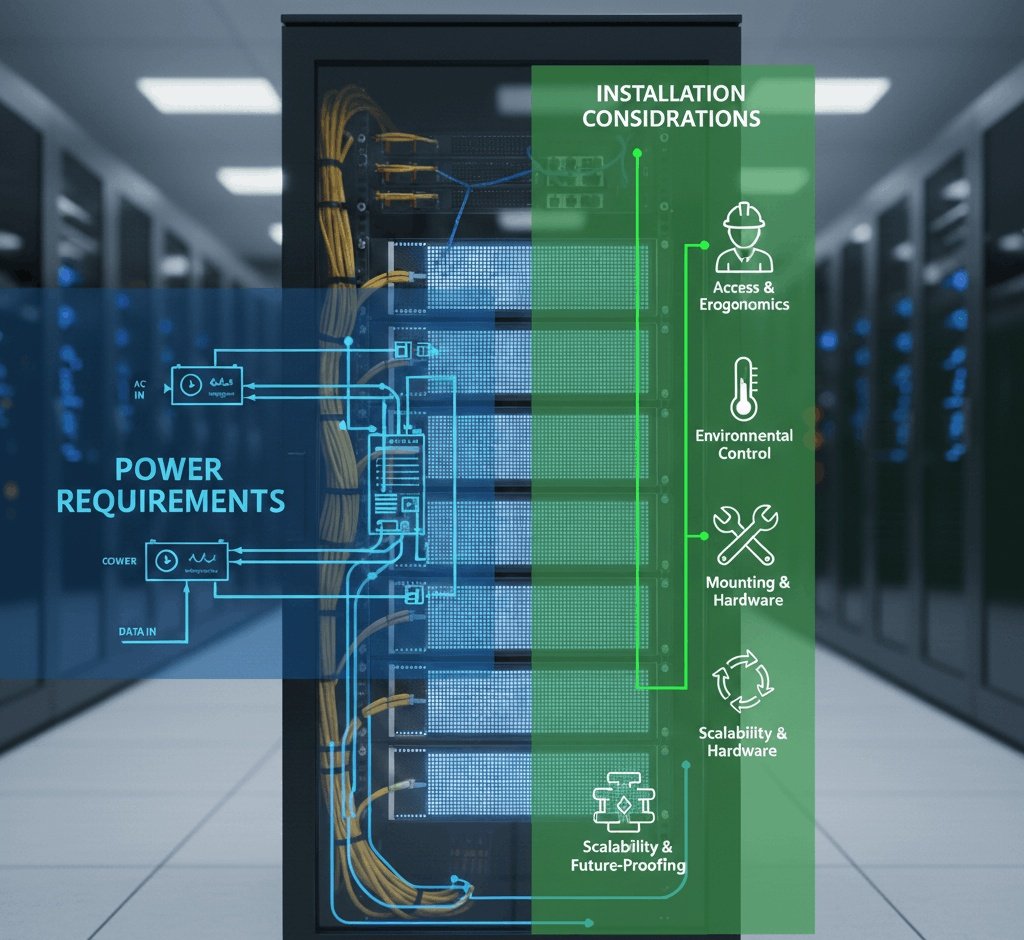
1. Placement and Accessibility
- Screens should be installed near power outlets or conduits
- Plan for maintenance access to power and network cables
- For portable units like DS Shelf Talker LCD Digital, ensure easy plug-and-play setup
2. Safety
- Use certified power supplies and cables
- Protect cables from wear, heat, and moisture
- Ensure grounding to prevent electric shocks
3. Environmental Factors
Outdoor screens face additional challenges:
- Weatherproof power and network components
- Temperature extremes can affect electronics
- Sunlight requires high-brightness LED modules
For led panel transparent outdoor walls, ensure proper ventilation and weatherproofing to prevent overheating and moisture damage.
Common Installation Challenges
1. Power Overload
- Occurs when too many screens share a single power supply
- Can cause dimming, flickering, or blown fuses
Solution: Distribute load across multiple supplies and calculate wattage carefully.
2. Voltage Drop
- Long cable runs reduce voltage at the screen
- Can lead to uneven brightness or system failure
Solution: Use thicker wires or shorter cable routes; consider 24V systems for longer distances.
3. Network Congestion
- Multiple screens streaming HD or 4K content can overload Wi-Fi
- Delays or failed updates occur
Solution: Use wired connections for high-traffic areas; segment network traffic.
4. Interference
- Wireless signals can be blocked by metal, walls, or other electronics
- Interactive shelf talkers may lag or not respond
Solution: Use signal boosters or wired connections for critical installations.
5. Maintenance Challenges
- Hard-to-reach cables or power supplies complicate repairs
- Regular cleaning and inspection are essential
- Labeling power and network connections simplifies troubleshooting
Real-World Example 1: DS Shelf Talker LCD Digital in Retail
We installed DS Shelf Talker LCD Digital units in a large supermarket:
- Power requirement: 20W each
- Wired network for stable content updates
- Central CMS controlled all units
- UPS backup prevented outages during power fluctuations
Result: Smooth content display, no flickering, and easy maintenance.
Real-World Example 2: Transparent LED Panels for Storefront
We installed led panel transparent walls on a shop window:
- High-brightness LED modules for sunlight visibility
- Power distributed across multiple zones
- Ethernet network ensured content updated in real time
- Weatherproof power supply boxes protected against moisture
Result: Clear, vibrant display visible from outside with minimal downtime.
Best Practices for Power & Network Setup
- Plan Early – Calculate power and network needs before installation
- Use Quality Equipment – Certified power supplies, thick cables, and stable routers
- Divide Loads – Multiple power supplies and network segments prevent overload
- Provide Access – Easy access for maintenance, troubleshooting, and upgrades
- Monitor Performance – Use network and power monitoring to detect problems early
- Backup Systems – UPS and spare network hardware reduce downtime
Future-Proofing Considerations
- Consider higher brightness or larger screens for future upgrades
- Network should support higher bandwidth for HD/4K content
- Power supplies should have extra margin for additional screens
- Modular setup helps add more DS Shelf Talker LCD Digital units or led panel transparent walls without rewiring